Launch of the NCOVI nationwide health declaration application.
10/03/2020
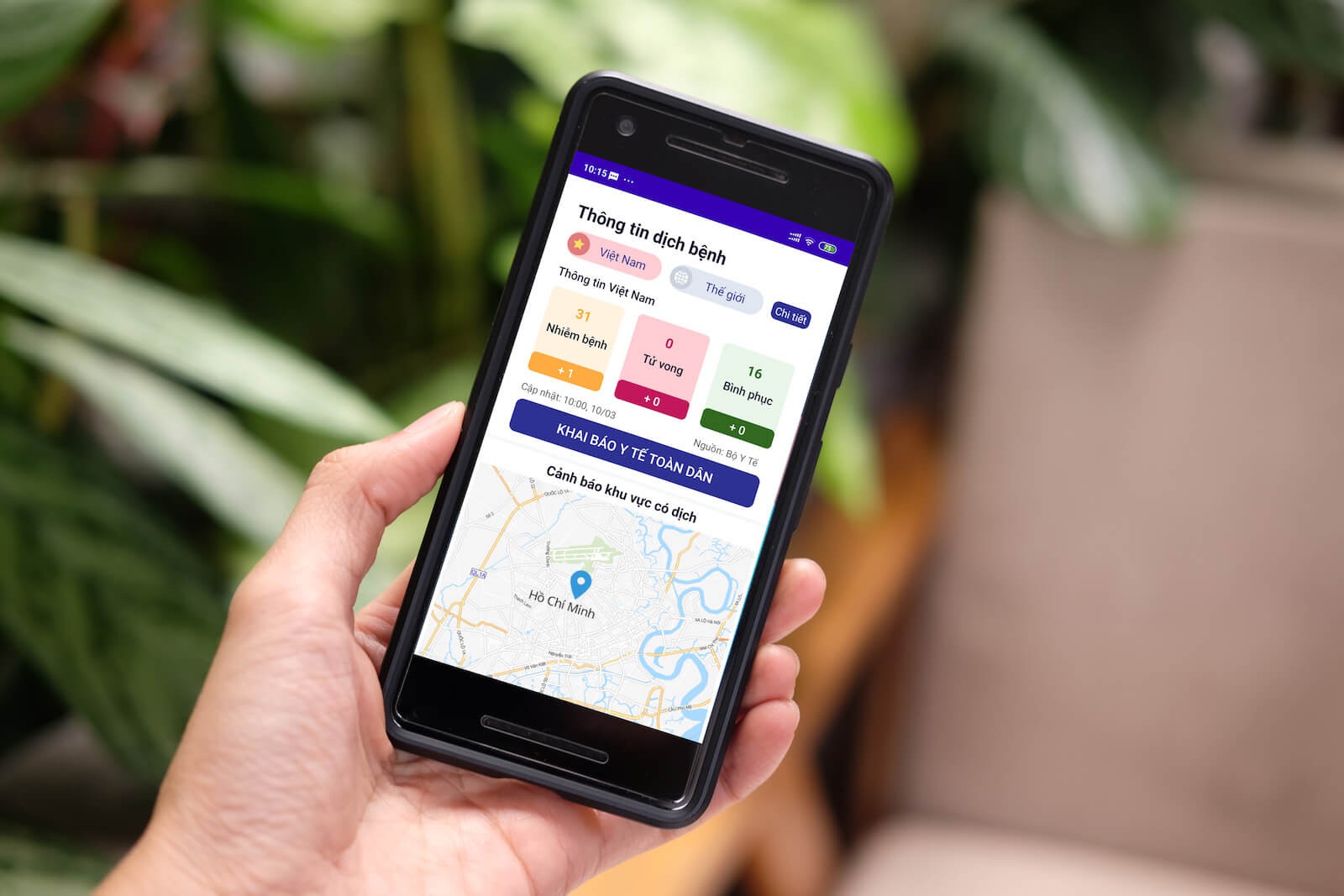
On the afternoon of March 9th, the nationwide health declaration application called NCOVI was officially launched in Vietnam. The NCOVI application is currently being updated on Google Play (for Android) and will soon be available on the App Store (for iOS).
NCOVI is an application that helps people provide information to support the healthcare sector in identifying cases requiring attention to ensure proactive prevention and control of the Covid-19 pandemic. Based on the data submitted, the healthcare system will know which cases need attention to ensure the fastest and most effective medical support possible.
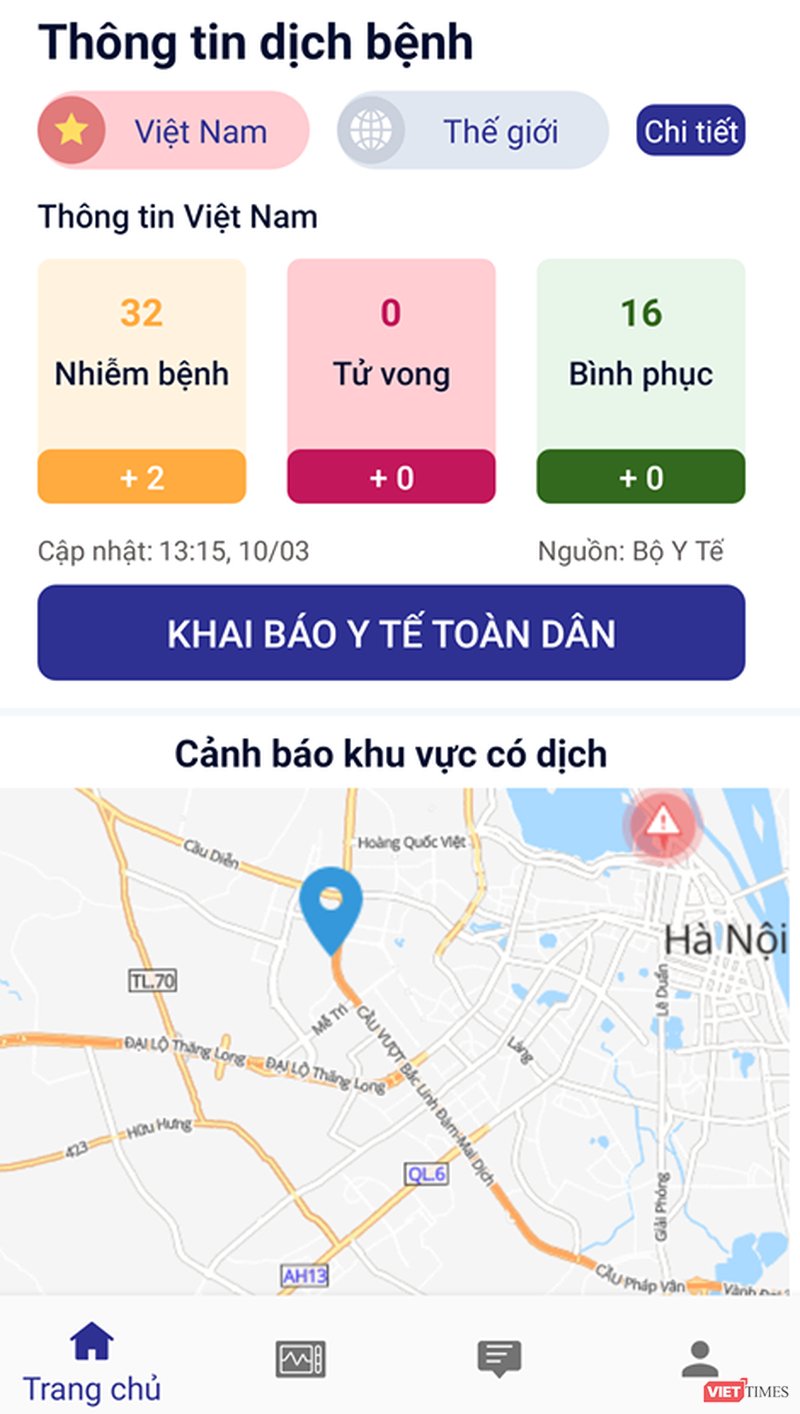
The NCOVI application also serves as the official channel for competent state agencies to update the disease situation and send health and medical recommendations to the public.
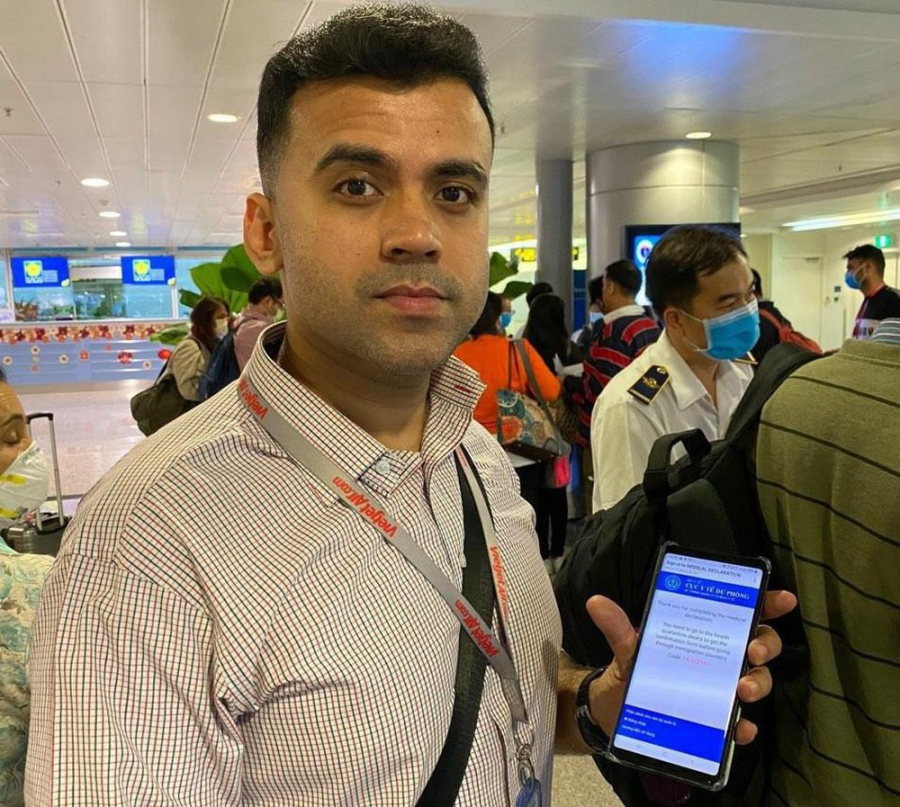
While not a mandatory health declaration application like those for foreigners entering Vietnam, according to Deputy Prime Minister Vu Duc Dam, the proactive provision of health information and two-way interaction with health authorities through the NCOVI application is a very concrete manifestation of the spirit of "the whole nation fighting the epidemic."
The Deputy Prime Minister also pointed out two crucial differences between the NCOVI application and many similar applications that have been developed. Firstly, the information and guidance on NCOVI (including epidemic area maps, situation updates, and instructions in various situations) are all official. Secondly, because it is an official application, all information provided by citizens through NCOVI is strictly managed by the state and used only for the purpose of helping people protect their health and fight the epidemic; it is absolutely not used for commercial purposes or to infringe on privacy.
For those who don't use phones or computers, other family members can assist with filling out health and medical declaration forms.
Starting with the first version of the NCOVI application, the Deputy Prime Minister called on all businesses with similar or better applications to come together and participate in upgrading the NCOVI application and expanding its features to serve the fight against the epidemic.
How to make a nationwide health declaration using the NCOVI (Vietnam Health Declaration) app.
Step 1: Download the Vietnam Health Declaration app from the Google Play app store for Android phones (or atThis.
Step 2: Open the app and register an account by entering your phone number, then enter the OTP code sent to your phone number to confirm.
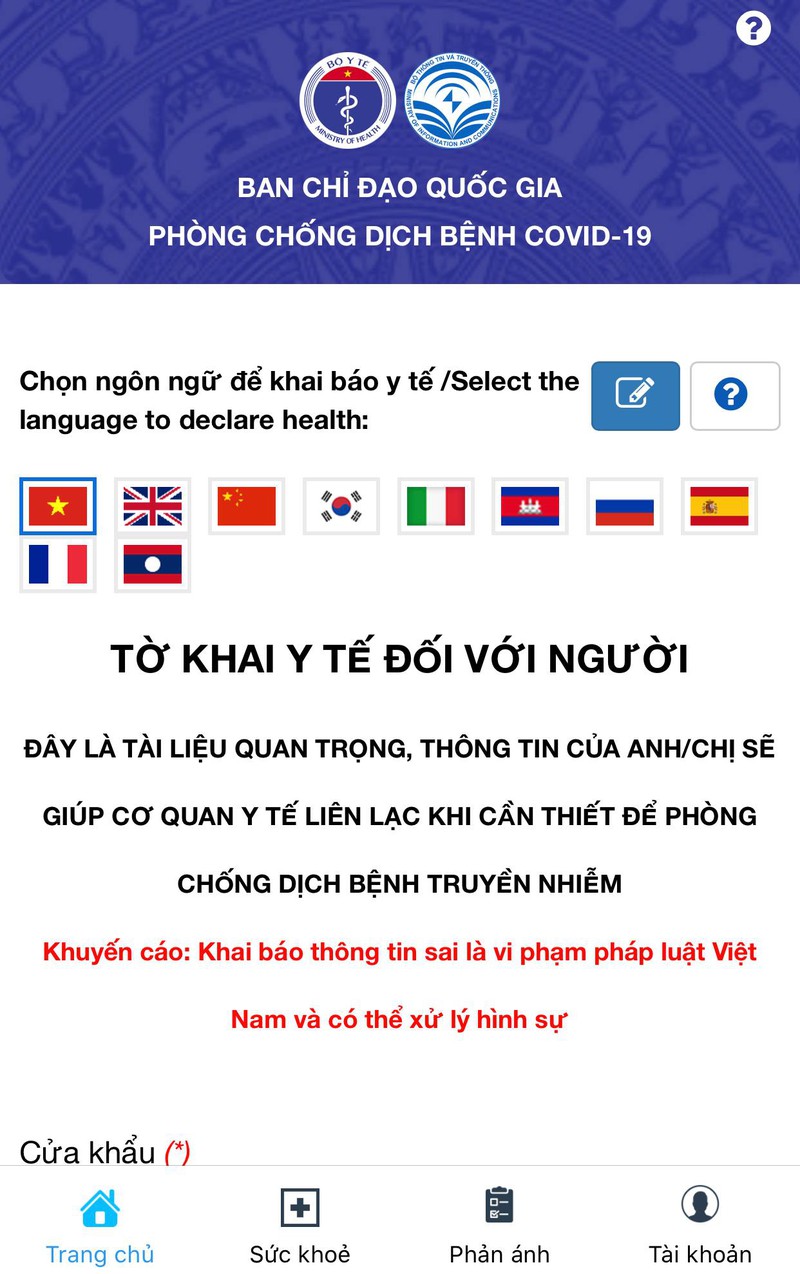
Step 3: After successfully logging in, you will access the application's main screen. Here you will find two options: Entry Health Declaration and General Health Declaration. If you are not traveling from an epidemic area or entering the country, select General Health Declaration.
Step 4: Proceed to enter all the required information to complete the declaration. It is important to note that providing complete, accurate, and truthful information will help authorities isolate and contain outbreaks promptly, preventing further spread.
Step 5: Click the "Submit Declaration" button and wait until the screen displays the message "Thank you for completing the health declaration." Once completed, the declaration information will be updated by the system to the disease control centers and relevant agencies in Vietnam for management.
Additionally, the app's homepage includes a "Report" section. If you identify someone who may be at risk of contracting the disease, has traveled from an affected area, or has been in contact with an infected person, etc., you can use this "Report" function to inform the government so they can take timely isolation and treatment measures.

 VI
VI