 VI
VI


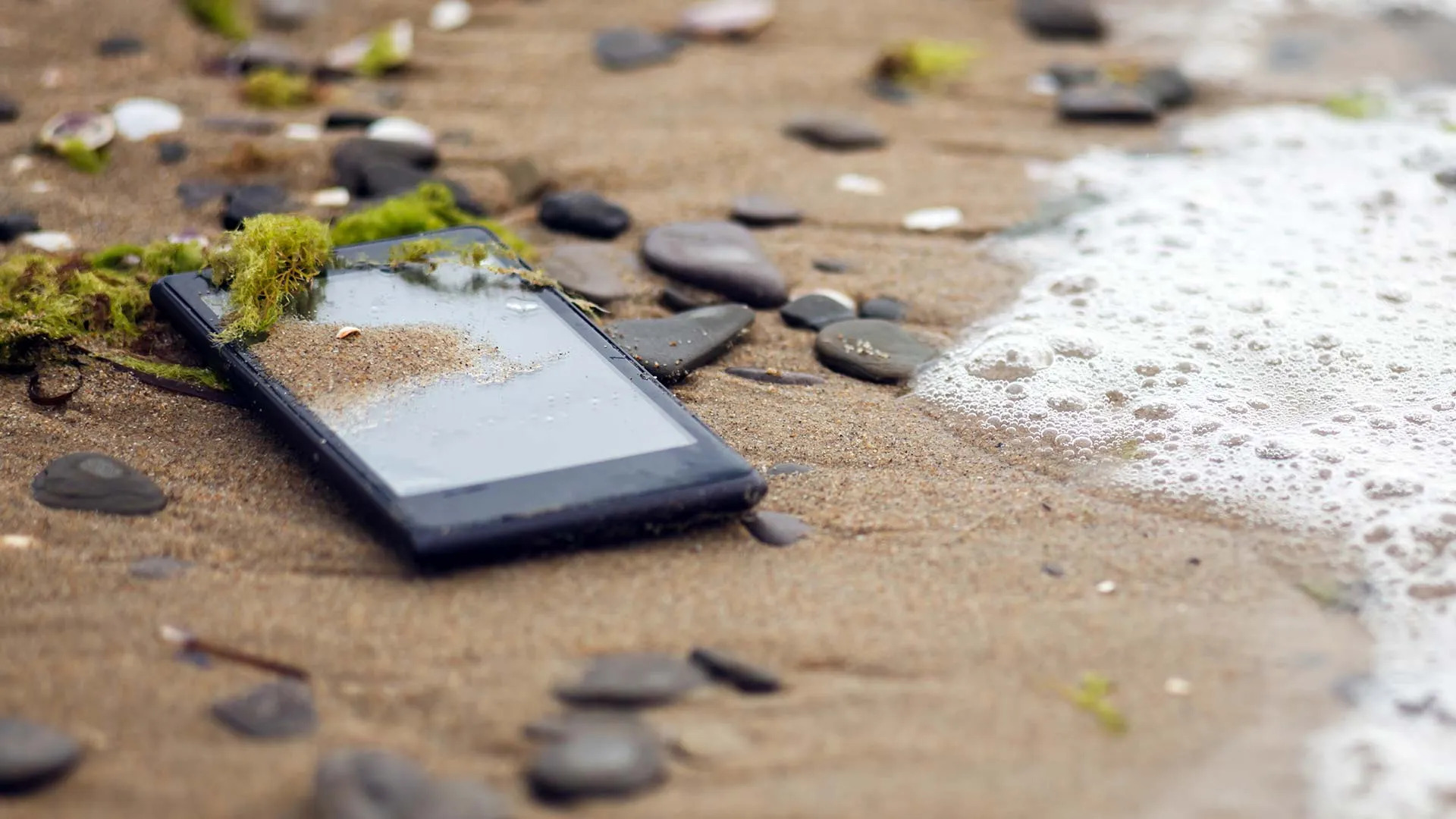
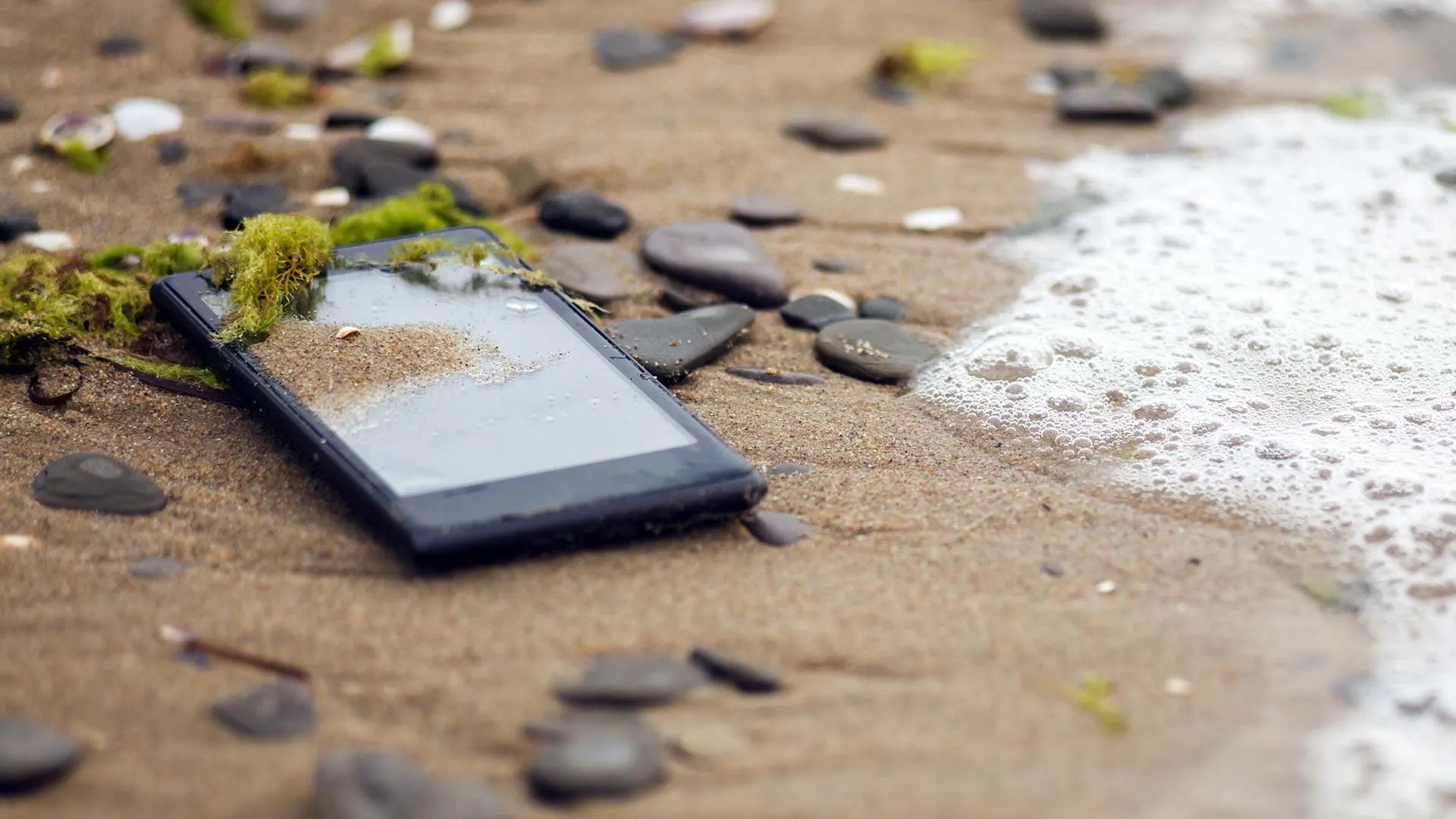
Losing belongings while traveling is an unavoidable risk. This is especially true for smartphones, which often contain a lot of personal information, bank accounts, e-wallets, and more. Trying to find your lost smartphone in an unfamiliar place can be quite challenging due to lack of directions or location tracking. If this happens, quickly follow these steps.
SIM lock, iCloud lock, Drive lock
Through a stolen SIM card, criminals can access your personal information and carry out fraudulent activities. In this situation, you need to contact your mobile network operator to block the SIM card and also contact your bank to request that your bank card be blocked, to prevent fraudsters from stealing your money through the OTP code sent to your phone.
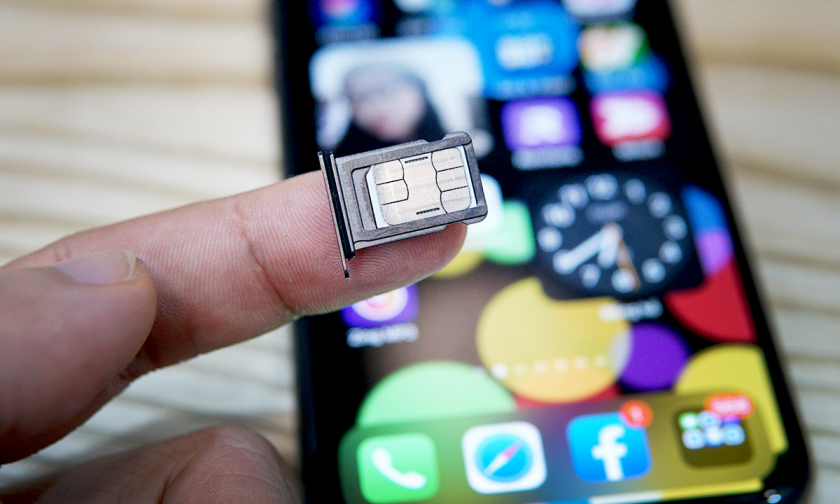
Lock your SIM card if you lose your phone.
Phones are personal devices with high levels of privacy, requiring strong security for data such as photos, videos, and documents. Therefore, immediately locking iCloud or apps like Drive is absolutely essential. This will help you avoid problems such as blackmail or malicious individuals using your photos to post on harmful websites. Additionally, you should lock your email accounts and work software accounts to prevent them from being exploited by malicious actors.

Remotely erase your smartphone
If you don't want malicious actors to access and steal any information on your phone, you can remotely erase the content on your device. For iPhones, you can do this via Find My iPhone on the website, or on any Apple device you currently own, such as an iPad or MacBook. Then, go to the Devices tab at the bottom of the screen, select the iPhone you want to remotely erase, and choose "Erase this device."
Enable SIM PIN lock feature.
In addition to the methods above, to protect your personal information, you can enable the SIM card's PIN lock feature. This helps prevent malicious individuals from exploiting the process of removing the SIM card and inserting it into another device to hack account passwords sent to your phone number.
If you use an iPhone, you can enable the feature that automatically erases all data after 10 incorrect password attempts. Enter your iCloud account details into Find My iPhone and select "Report Lost" to prevent your device from being unlocked. Importantly, avoid logging into iCloud via suspicious links sent to your phone. These are often fake links designed to trick users into logging into iCloud and removing control of their iPhone.
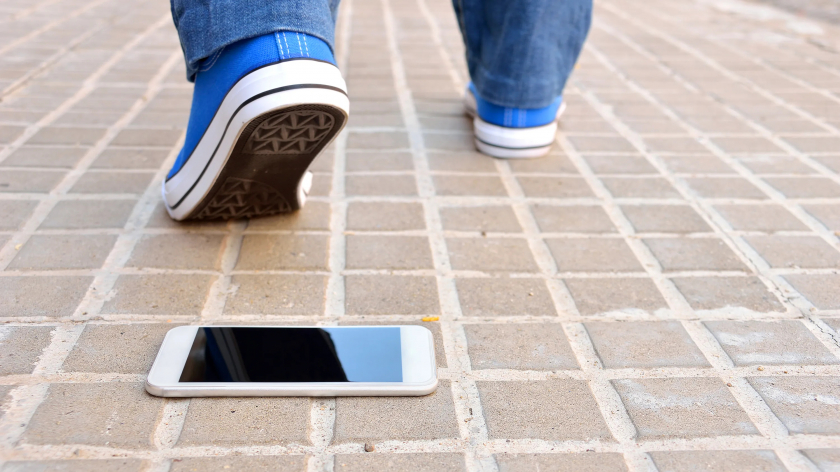
Always keep your phone in a safe place.
Besides what you can do if you lose your iPhone, you can also take precautions to avoid theft or dropping your phone while traveling by: using an iPhone lanyard around your neck, not putting your phone in your back pocket or other easily stolen locations, and avoiding using your phone in public places where theft is common. Most importantly, always keep your iPhone in a safe, convenient, and tidy place to prevent it from falling. Be alert and pay attention to the location of your smartphone, always checking that you have put it in a secure place.